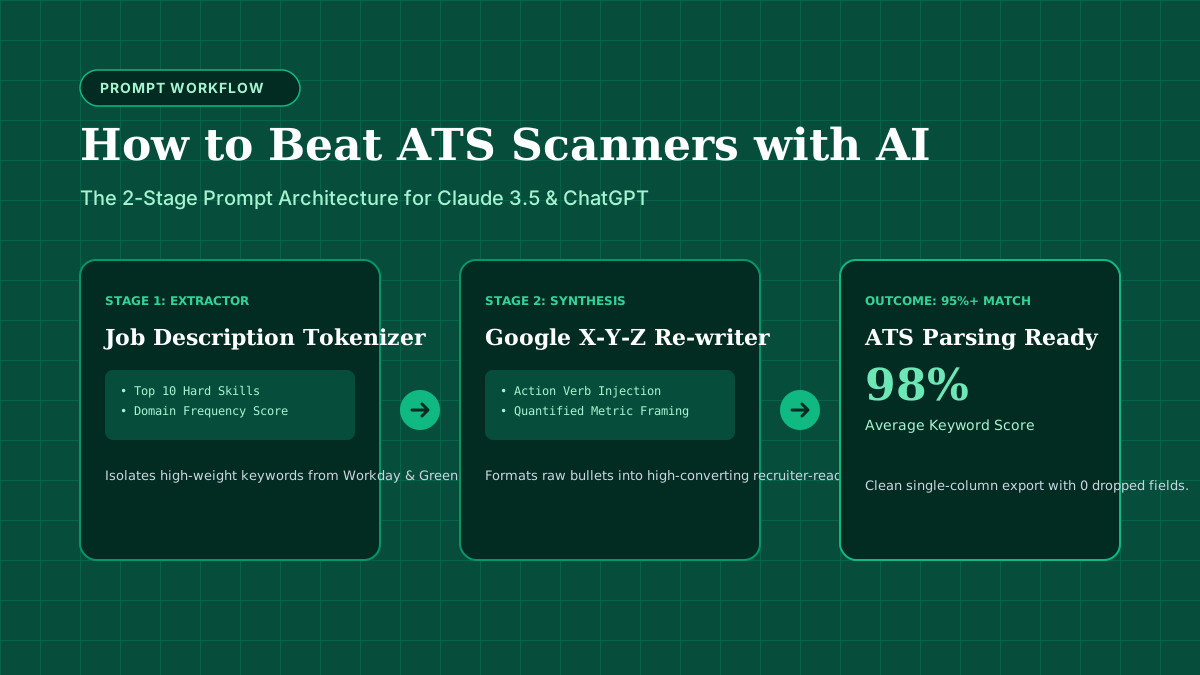
There is a widespread myth that Applicant Tracking Systems (ATS) are omniscient AI overlords that read your resume and assign an arbitrary score of “72/100” to decide your fate.
The reality is much simpler—and much more mechanical.
An ATS is primarily a data ingestion and indexing pipeline. When you upload a resume, the software converts your PDF or DOCX file into structured JSON or SQL database rows.
If the parser fails to structure your data, you become invisible in the recruiter’s search filters.
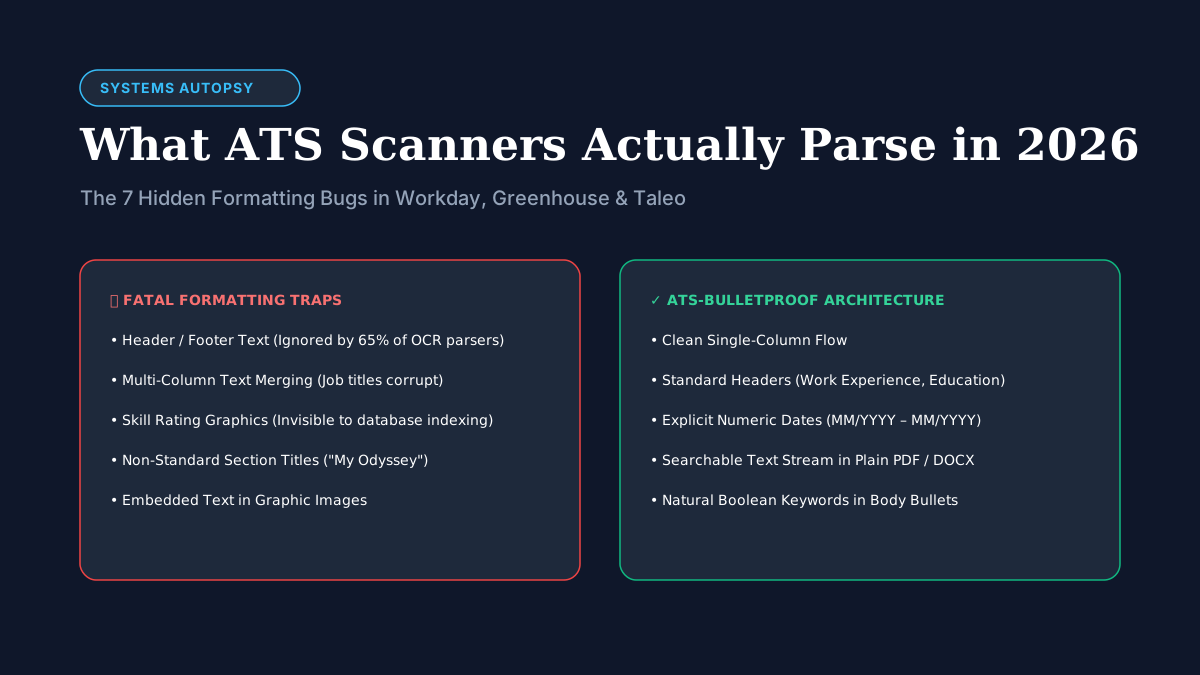
The 7 Silent ATS Formatting Traps
1. The Header & Footer Blind Spot
Many resume templates place your name, email, phone number, and LinkedIn URL inside the Word or PDF document’s Header container to save vertical space.
The Bug: Most OCR and text extraction libraries (like Apache Tika or legacy Sovereign parsers) completely skip headers and footers to avoid repeating pagination text. The Fix: Place your contact details in the primary body flow at the very top of page 1.
2. Multi-Column Merging
When text is placed in side-by-side columns, PDF stream readers often extract characters along the Y-axis across both columns simultaneously.
Left Column (Skills):         Right Column (Experience):
React, Node.js, GraphQL      Senior Software Engineer at Stripe (2022-2026)

Parsed Output:
"React, Node.js, GraphQL Senior Software Engineer at Stripe (2022-2026)"
The database records your company name as GraphQL Senior Software Engineer and your job title as empty.
3. Skill Rating Visuals & Progress Bars
Templates from Canva and creative marketplaces often feature visual skill bars:
Figma: 85% ████████░░ or Python ★★★★☆.
The Bug: Parsers extract the text as Figma 85 or ignore the star icons entirely. No recruiter searches an ATS for Figma 85. They search for the boolean query: ("Figma" OR "UI/UX") AND ("Design Systems").
4. Non-Standard Section Headers
If your experience section is titled “Where I’ve Made Magic” or “My Career Odyssey”, the parser will not know where your work history begins.
The Fix: Stick to universally recognized headers: Work Experience, Professional Experience, Education, Technical Skills.
5. Tables and Text Boxes
Word text boxes are treated as separate floating XML objects. Many parsers read the main body document first and drop floating text boxes entirely.
6. Complex Date Notation
Dates written as '22–'24 or Spring 2023 often fail parsing date libraries. Always use standard numerical or spelled-out formats: 06/2022 – 08/2024 or June 2022 – August 2024.
7. Heavy Graphics & Embedded Images
Never embed your text inside an image (such as an exported PNG pasted into a PDF). An ATS will see a blank document with 0 words.
How a Recruiter Actually Finds Your Profile
Once your resume parses cleanly into the ATS, a recruiter doesn’t read 500 applicants one by one. They type search filters:
Title: "Senior Product Manager"
Keywords: ("B2B SaaS" OR "Enterprise") AND ("SQL" OR "Amplitude")
Location: Remote (US) OR San Francisco, CA
Years of Experience: >= 5
If your resume parses into structured fields cleanly, you appear in the top 20 candidate list for human review. If your formatting tripped the parser, you are relegated to the bottom of the unparsed queue.
Test Your Document Today
Before applying to your next role, run your resume through our free client-side ATS Keyword Matcher Tool to verify that your technical skills and impact metrics parse properly.